
CITE Disaster Recovery Resources
CITE Disaster Recovery Resources

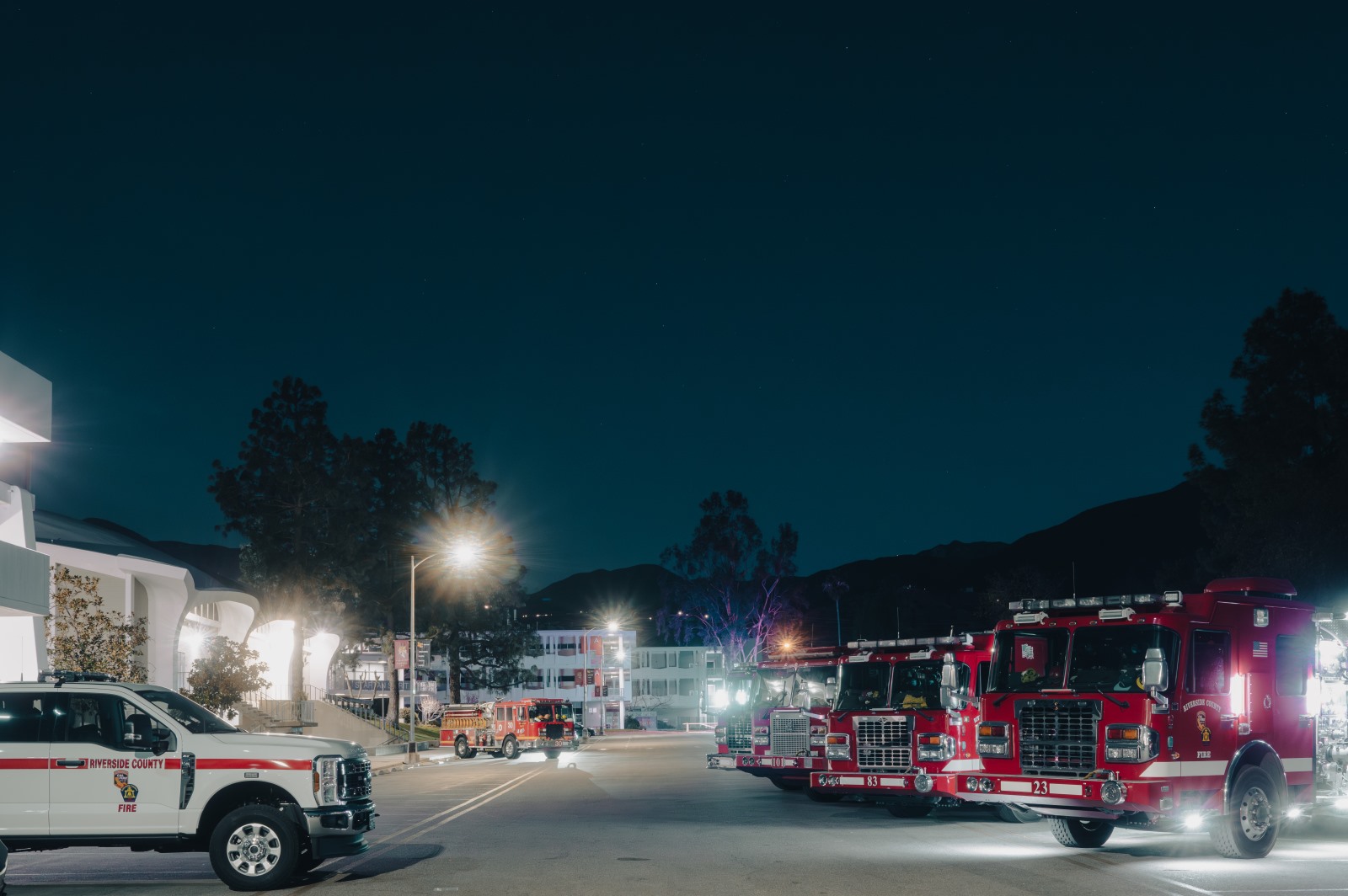
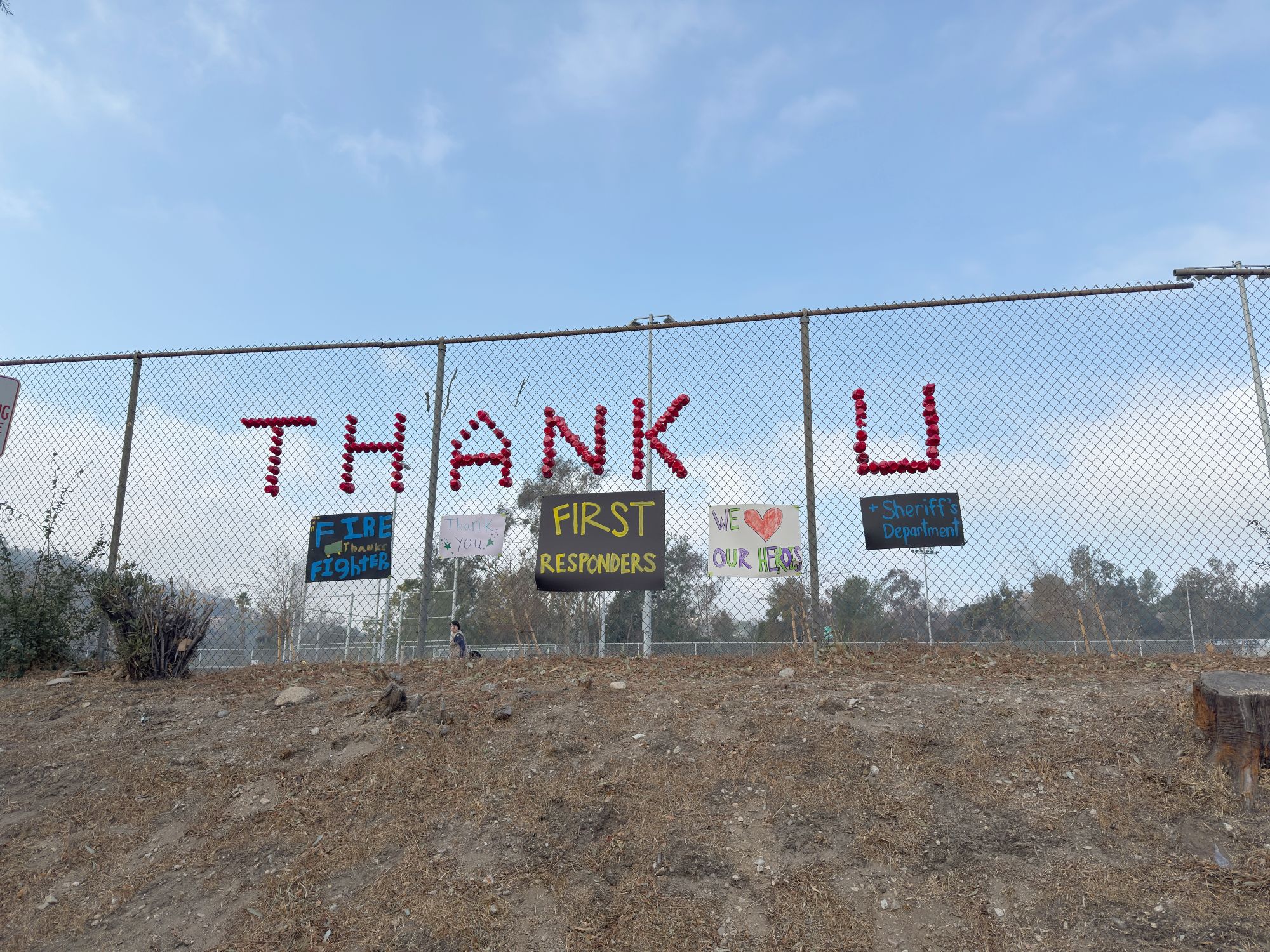

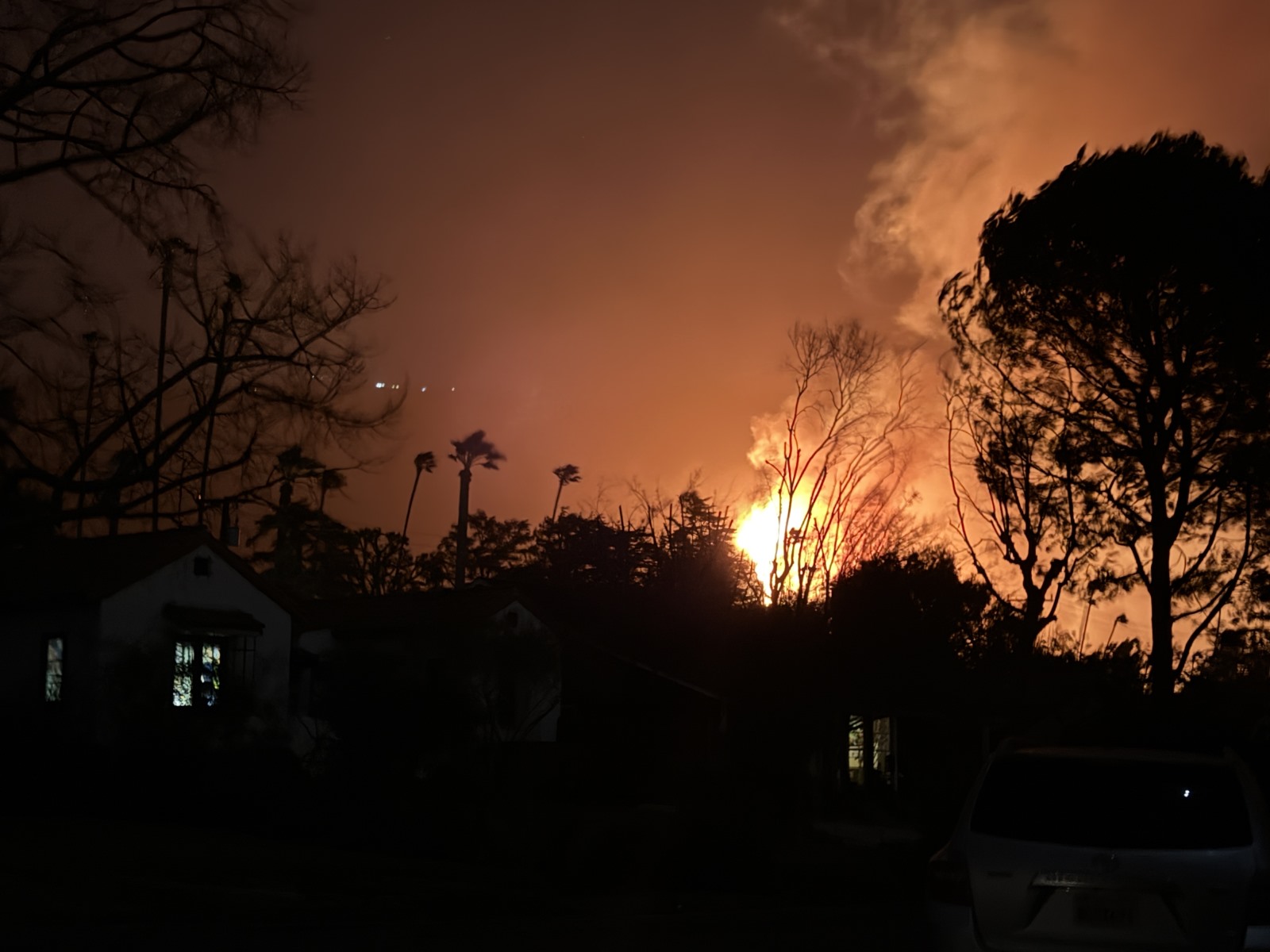
Natural and human-caused disasters pose a constant threat to school safety and daily operations. Events like earthquakes, floods, fires, power outages, and cyberattacks can shut down schools, damage infrastructure, and interrupt essential services for students and the community. That’s why it’s critical for school districts and COEs to have a clear disaster plan in place. Through safety drills, backup systems, and effective communication, schools can protect students and staff, reduce confusion, and recover more quickly when unexpected events occur.
A Disaster Recovery Plan (DRP) prepares your agency to respond to disruptions in technology infrastructure caused by these events. Without one, your organization risks losing critical data, key systems, or even full access to technology services. A well-defined DRP ensures that recovery efforts are organized and efficient, helping your department restore systems and data as quickly and smoothly as possible.
The following disaster recovery resources were created by CITE members and the California County Superintendents’ Technology Services Committee (TSC) and are available to all K-12 agencies for use at no cost.
Disaster Recovery Resources
Disaster Preparedness Checklist
- Assess your agency’s disaster preparedness by reviewing and checking the resources you currently have in place to withstand or recover from a disaster. The more items you check, the better prepared your agency is. After completing the checklist, identify areas for improvement and create a prioritized action plan—starting with the easiest tasks to implement first.
Disaster Recovery Guide
- After assessing your agency’s disaster preparedness, read the Disaster Recovery Guide next so you can make informed decisions about improving your technology redundancy and data center infrastructure before creating a Disaster Recovery Plan (DRP).
Disaster Recovery Plan (DRP) Template
- A Disaster Recovery Plan (DRP) is a detailed strategy that outlines how an organization will restore critical IT systems, data, and operations after a disruptive event such as a natural disaster, cyberattack, or power outage. It helps protect important data through regular backups, minimizes downtime by providing clear recovery procedures, assigns specific roles to ensure a coordinated response, and reduces financial and operational impacts. Additionally, having a DRP demonstrates the organization's preparedness to respond and recover effectively.
Business Impact Analysis (BIA) Template
- A Business Impact Analysis (BIA) is essential for business continuity and disaster recovery because it identifies the critical functions, processes, and resources an organization relies on—and assesses the potential consequences of their disruption. By determining the impact of downtime on operations, finances, and stakeholders, a BIA helps prioritize recovery efforts and guides the development of effective response strategies. It ensures that both the Business Continuity Plan and Disaster Recovery Plan focus on what matters most, enabling faster, more efficient recovery and minimizing overall risk.
Business Continuity Plan (BCP) Template
- A Business Continuity Plan (BCP) is a comprehensive strategy that ensures an organization can continue its essential functions during and after a disruption, such as a natural disaster, cyberattack, or other emergency. It goes beyond IT recovery by addressing all critical operations, including communication, staffing, facilities, and services. A BCP minimizes downtime, protects the well-being of students, staff, and stakeholders, and helps maintain trust and stability. By identifying key risks, setting priorities, and establishing clear response procedures, a BCP enables an organization to recover more quickly and effectively while fulfilling its responsibilities even in challenging circumstances.
Disaster Recovery Documentation Spreadsheet
- During an incident, you might find the need to document each process as you investigate and/or begin recovery. This spreadsheet is meant to serve as a tracking tool for inspecting systems/servers during the incident response and recovery process and should be included in your incident response/disaster recovery plan. You can prepare by listing servers/systems here. On the second tab, there is a space to track changes, record questions, and then track any learnings.
Determine Conditions for Reopening After a Disaster
- After a natural disaster, several important conditions must be met or mitigated before each site can be cleared for reopening. Make a copy of this template for each of your sites, then indicate what conditions must be met before each site can be reopened after a disaster.
Disaster Recovery Tabletop Exercise
- Use this PowerPoint to conduct a tabletop exercise with the IT staff and leadership team to test your disaster recovery plan. One person will conduct the exercise by advancing through the slides. Tabletop participants should remain unaware of what will transpire during the scenario. Be sure to complete and print the Disaster Recovery Preparedness Checklist and your Disaster Recovery Plan ahead of time so they are both available to participants during the tabletop exercise.
Disaster Training
- When planning for disaster training, it’s important to remember to include all staff. For example, custodial and maintenance will be key support staff. Below is an example of practice scenarios to bring to a meeting that can encourage conversation and learning around how to react to various incidents. This also affirms the team’s role around disaster or incident response on our campuses and in our buildings.
Emergency Access to the Cellular Network - Government Emergency Telecommunications Service (GETS)
- In a major disaster, cellular and landline networks often become congested as everyone tries to make calls at once. The Government Emergency Telecommunications Service (GETS) is designed to bypass this "busy signal" by giving your call priority over standard traffic. After registering with GETS, you can dial a specific access number and enter a PIN to signal the network to move your call to the front of the line, even if the circuits are jammed. Use the link below to find out more information about how to get a GETS account.
Power Safety Shutoffs
- Public Safety Power Shutoffs (PSPS) are a preventative measure where utility companies (like PG&E, SCE, and SDG&E) proactively turn off electricity to specific areas during extreme weather. The goal is to prevent utility equipment from sparking a wildfire when conditions include high winds, low humidity, and dry vegetation. Because these shutoffs can last anywhere from a few hours to several days, school districts must treat them as a high-priority logistical challenge.
Hosting a “Community and School Safety Forum”
Disasters can cause significant trauma and anxiety for students, staff, and the broader community when one occurs. One way to help your community prepare or recover from a disaster is by hosting a community safety forum. Consider inviting participants such as representatives from your school district or COE, nearby schools (including charter, private, preschool, and daycare programs) as well as city officials and first responders (such as law enforcement, fire departments, and emergency management personnel). This collaborative approach can both strengthen preparedness and build community resilience.
The agenda below is from a community event held in the LA area after the 2025 wildfires. You can use the agenda as a guideline for your team to facilitate your own safety forum for your community or agency before or after a disaster incident.
Key Elements Every Disaster Recovery Plan Should Include
1 — Identify Critical Systems and Data
- Use the Business Impact Analysis (BIA) template to determine which systems, applications, and data are essential to your agency operations. Prioritize them based on how critical they are to business continuity.
2 — Conduct a Risk Assessment
- While conducting your BIA, identify potential threats (e.g., cyberattacks, natural disasters, power outages) and assess their likelihood and potential impact.
3 — Establish Recovery Objectives (RTO, RPO, and MTD)
- Define your Recovery Point Objective (RPO)—how much data you can afford to lose—then the Recovery Time Objective (RTO)—how quickly you need to recover—followed by the Maximum Tolerable Downtime (MTD)—the length of time a business process or system can be unavailable after a disruption before causing irreversible damage to the organization.
4 — Develop a Detailed Recovery Strategy
- Create step-by-step procedures for recovering systems, restoring data, and resuming operations. Include contingencies for various scenarios.
5 — Define Roles and Responsibilities
- Assign specific roles to team members in a disaster scenario, including decision-making authority and communication duties. Ensure all team members know their role and are ready to work as a team when a disaster strikes.
6 — Implement Reliable Backup Solutions
- Ensure data is backed up regularly and stored securely off-site and/or in the cloud. Test backups regularly to verify they can be restored.
7 — Maintain Clear Communication Plans
- Establish how and when to communicate with staff, stakeholders, and external partners during a disaster. Include alternate communication channels.
8 — Test and Update the Plan Regularly
- Run regular disaster recovery drills to identify gaps and make improvements. Update the plan to reflect changes in systems, staff, and risks.
Glossary of Key Terms
Common disaster recovery-related terms and concepts in school districts and county offices of education.
Business Continuity Plan (BCP)
- A strategy that ensures critical business functions can continue functioning during and after a disruption or disaster.
Business Impact Analysis (BIA)
- An assessment that identifies critical operations and evaluates the potential impact of disruptions.
Continuity of Operations (COOP)
- A strategy to maintain essential functions across all areas of the organization during emergencies.
Critical Functions
- Essential operations or services that must continue or be quickly restored to minimize damage.
Cyber Incident Response Plan (CIRP)
- A documented strategy outlining how an organization will detect, respond to, and recover from cyber security incidents like data breaches, ransomware attacks, and other disruptions.
Disaster Recovery Plan (DRP)
- A plan focused on restoring IT systems, data, and infrastructure following a disaster.
Downtime
- The period when systems or services are unavailable, potentially affecting operations.
Incident Response Plan
- A predefined set of instructions for detecting, responding to, and recovering from, incidents like natural disasters or cyberattacks.
Mitigation
- Steps taken to reduce the severity or likelihood of a potential disruption.
Maximum Tolerable Downtime (MTD)
- The length of time a business process or system can be unavailable after a disruption before causing irreversible damage to the organization.
Recovery Point Objective (RPO)
- The maximum acceptable amount of data loss measured in time (e.g., last 4 hours of data).
Recovery Time Objective (RTO)
- The maximum acceptable amount of time a system or process can be down before it must be restored.
Risk Assessment
- The process of identifying potential threats and evaluating their likelihood and impact.